











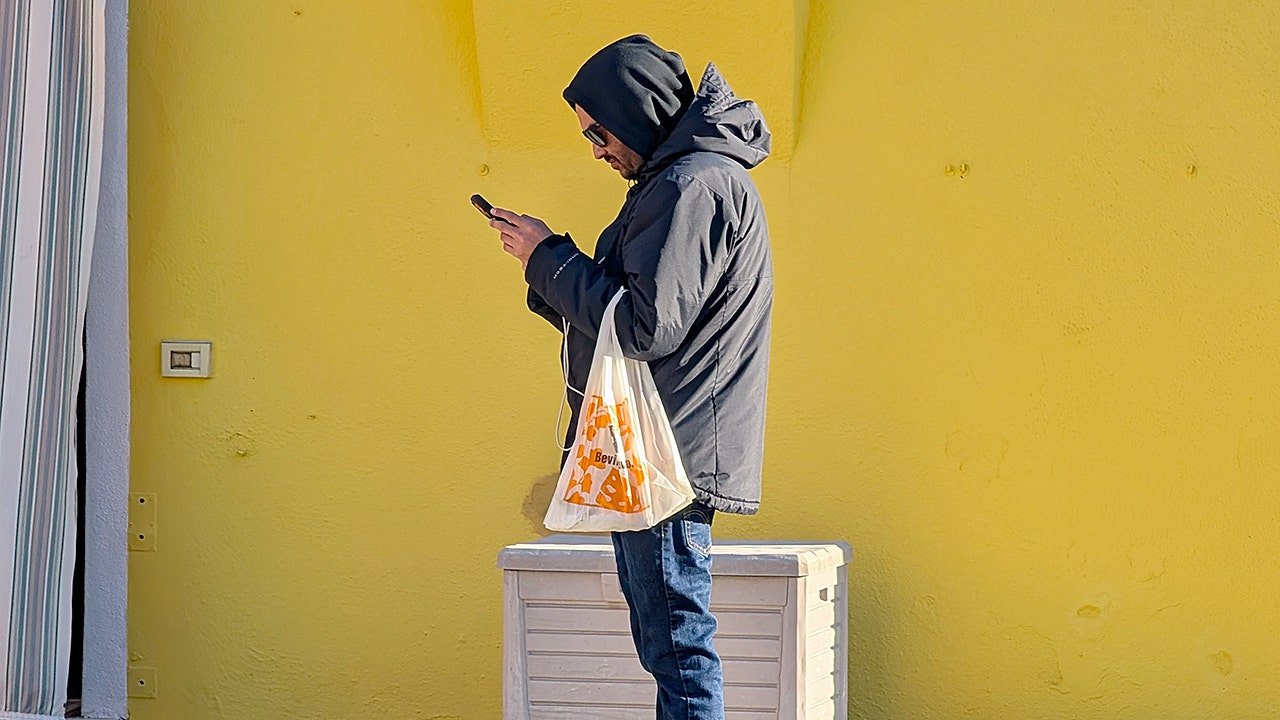
Free Android Apps Hijacked Millions Into Proxy Network
2026-02-27 17:25:30
newYou can now listen to Fox News articles!
Free apps should only cost you storage space. But in this case, it may have cost millions of people control over their Internet connections.
Google said it has disrupted what it believes is the world’s largest residential proxy network, one that secretly hijacked about 9 million Android devices, along with computers and smart home gadgets. Most people had no idea their device was being used since the apps were working normally, and nothing seemed to be broken.
But behind the scenes, these devices were quietly directing traffic to strangers, Including cyber criminals.
Sign up for my free CyberGuy report
Get the best tech tips, breaking security alerts, and exclusive deals delivered straight to your inbox. Plus, you’ll get instant access to my Ultimate Scam Survival Guide – FREE when you join my site CYBERGUY.COM Newsletter.
STOP GOOGLE FROM FOLLOWING YOUR EVERY MOVE
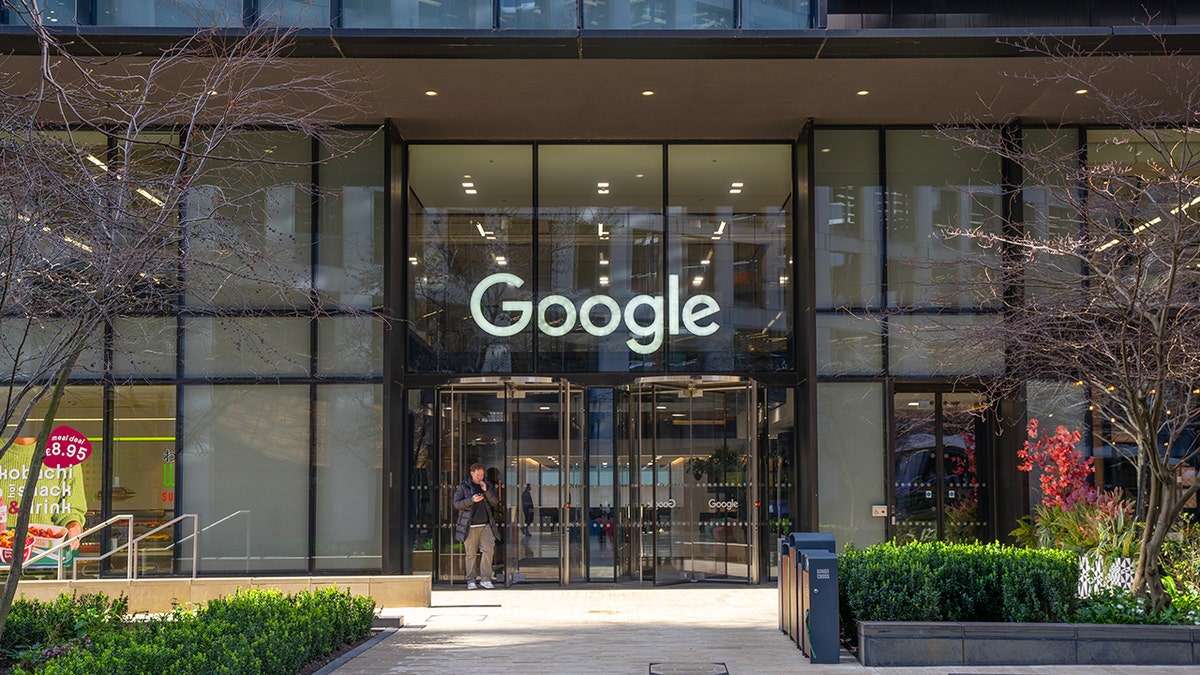
Google said it has disrupted a massive residential proxy network that secretly hijacked about 9 million Android and smart devices. (Aaron B./Bauer-Griffin/GC Images)
How your device became part of a proxy network
according to Google Threat Intelligence SuiteThe network was linked to a company known as IPIDEA. Instead of spreading through obvious malware, it relied on hidden software development kits, or SDKs, that were embedded inside more than 600 apps. These applications ranged from simple utilities to VPN tools and other free downloads. When you installed an app, the app did its advertised function. But it also registers your device to a residential proxy network.
This means that your phone, computer, or smart device can be used as a relay point for someone else’s Internet traffic. This traffic may include scraping websites, triggering automated login attempts, or masking the identity of someone conducting suspicious online activity. From the outside, it looked like this activity came from your home IP address. You won’t see this happen, and in many cases, you won’t notice any major performance issues.
Google says that during a single seven-day period earlier this year, more than 550 separate threat groups were observed using IP addresses associated with this infrastructure. This includes cybercrime operations and state-linked actors. Home proxy networks are attractive because they make malicious traffic look like normal consumer activity. Instead of coming from a suspicious data center, it appears to be coming from someone’s living room.
What Google did to shut it down
Google says it has taken legal action in US federal court to seize domains used to control infected devices and route proxy traffic. It also worked with companies like Cloudflare and other security companies to disable network command and control systems. Google claims to have also updated the built-in Play Protect Android security systemso that approved devices automatically detect and remove applications known to include malicious SDKs.
However, Google also warned that many of these apps were distributed outside the official Play Store. This is important because Play Protect can only scan and block threats associated with apps installed through Google Play. Third-party app stores, unofficial downloads, and unapproved Android devices carry a much higher risk.
IPIDEA claimed that its service was intended for legitimate commercial use, such as web searching and data collection. But Google research indicates that the network has been subjected to severe abuse by criminals. Even if some users installed bandwidth-sharing apps in exchange for rewards, many did not receive clear disclosure of how their devices were being used.
Google’s investigation also found significant overlap between different proxy brands and SDK names. And what seemed like separate services were often tied to the same infrastructure. This makes it difficult for consumers to know which apps are safe and which apps are quietly monetizing their connection.
300,000 Chrome users exposed to fake AI extensions
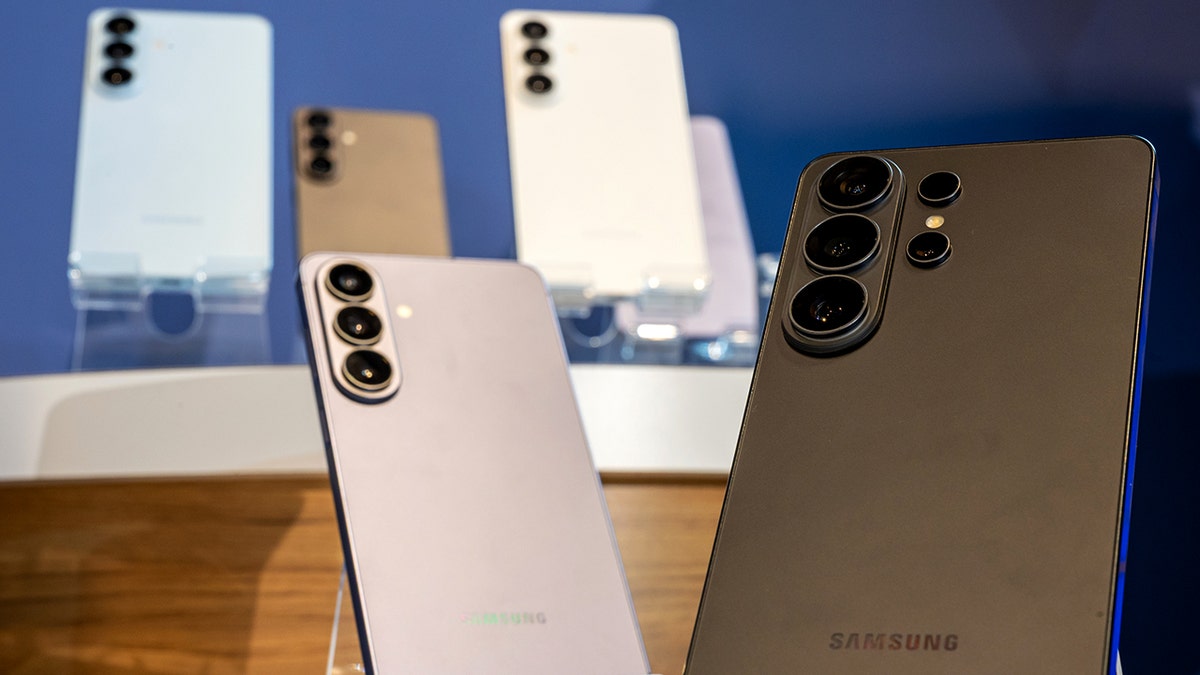
Software hidden inside more than 600 apps allegedly turned phones and computers into Internet relays for cybercriminals. (David Paul Morris/Bloomberg via Getty Images)
7 ways you can protect yourself from Android proxy attacks
If millions of devices can be quietly turned into Internet relay points, the big question is, how can you be sure your device isn’t one of them? These steps reduce the risk of your phone, TV, or smart device being dragged into a proxy network without you realizing it.
1) Stick to official app stores
Download apps only from Google Play Store or other trusted app markets. Some apps hide small pieces of code that can secretly use your Internet connection. These files are often spread through third-party app stores or direct app files called “APKs,” which are Android app files that are installed manually instead of through the Play Store. When you download apps this way, you bypass Google’s built-in security checks. Sticking to official stores helps keep those hidden threats away from your device.
2) Avoid “make money by sharing bandwidth applications”.
If an app promises rewards for sharing unused internet bandwidth, that’s a big red flag. In many cases, this is exactly how residential proxy networks recruit devices. Even if it looks legitimate, you are actually renting your IP address. This can expose you to abuse, blacklisting, or deeper network vulnerabilities.
3) Review app permissions carefully
Before installing any app, check the permissions it requests. A simple background application should not need full network control or background execution privileges. After installation, go to your phone’s settings and check which apps have persistent Internet access, background activity rights, or special device permissions.
4) Install a powerful antivirus program
today Mobile security tools It can detect suspicious app behavior, unusual internet activity, and hidden background services. Strong antivirus software adds an extra layer of protection beyond that built into your device, especially if you’ve installed apps in the past that you’re not sure about. Get my picks for the best antivirus protection winners of 2026 for Windows, Mac, Android, and iOS at Cyberguy.com.
5) Keep your devices updated
Android security updates patch vulnerabilities that proxy operators may exploit. If you’re using an older phone, tablet, or Android TV that’s no longer receiving updates, it may be time to upgrade. Unpatched devices are easier targets for hidden SDK abuse and bot logging.
6) Use a strong password manager
If your device becomes part of a proxy network or is otherwise compromised, attackers will often try to infiltrate your accounts next. This is why you should never reuse passwords. The password manager creates long, unique passwords for each account and stores them securely, so a single hack won’t open your email, bank, or social media accounts. Many password managers also include breach monitoring tools that alert you if your credentials appear in leaked databases, giving you a chance to act before real damage is done. Check out the best expert-reviewed password managers of 2026 at Cyberguy.com.
7) Completely remove apps you don’t trust
Navigate through your installed applications and Delete or uninstall anything You don’t recognize it or haven’t used it for months. The fewer apps running on your device, the fewer chances that hidden SDKs will run. If you suspect your device has been compromised, consider doing a full reset and reinstalling only essential apps from trusted sources.
Android malware hidden in a fake antivirus app
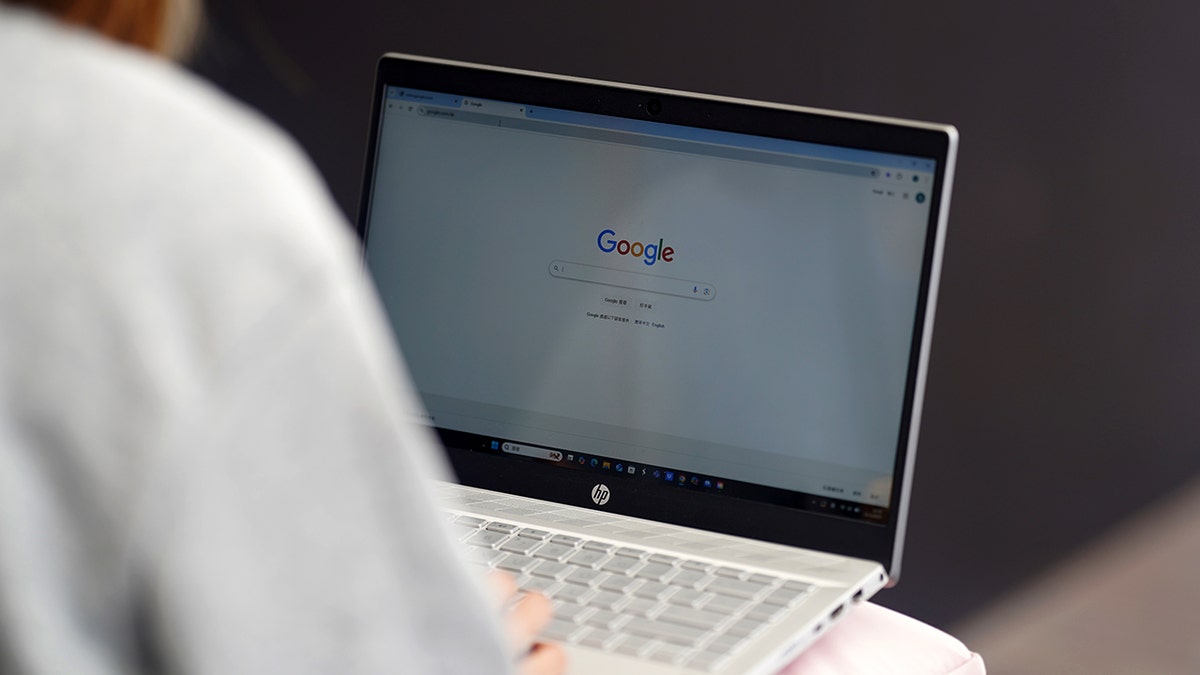
Threat groups and state-linked actors are allegedly using compromised devices to hide online activity and automate attacks. (Photo illustration by Serene Li/SOPA Images/LightRocket via Getty Images)
Key takeaway for Kurt
Residential proxy networks operate in a gray area that appears harmless on paper, but can quickly become a shield for cybercrime. In this case, millions of everyday devices were quietly registered in a system that attackers used to cover their tracks. Removing Google is a big step, but the broader market for residential agents is still growing. This means you need to be careful about what you install and the permissions you grant. Free apps are rarely truly free. Sometimes, the product being sold is you and your Internet connection.
Have you ever installed an app that promised rewards for sharing bandwidth, or used a free VPN without thinking twice about it? Let us know your thoughts by writing to us at Cyberguy.com.
Click here to download the FOX NEWS app
Sign up for my free CyberGuy report
Get the best tech tips, breaking security alerts, and exclusive deals delivered straight to your inbox. Plus, you’ll get instant access to my Ultimate Scam Survival Guide – FREE when you join my site CYBERGUY.COM Newsletter
Copyright 2026 CyberGuy.com. All rights reserved.
Related article

https://static.foxnews.com/foxnews.com/content/uploads/2026/02/man-looks-at-smartphone.jpg















إرسال التعليق